Make it yours
Add your photos, text, shapes and branding. Arrange the content where you want it, and use backgrounds, colors and borders to bring it together.
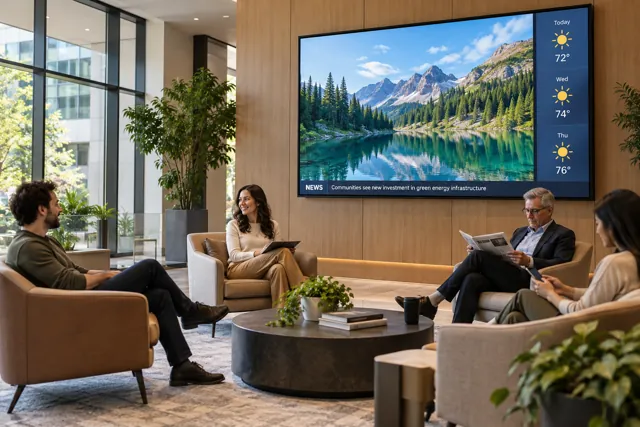
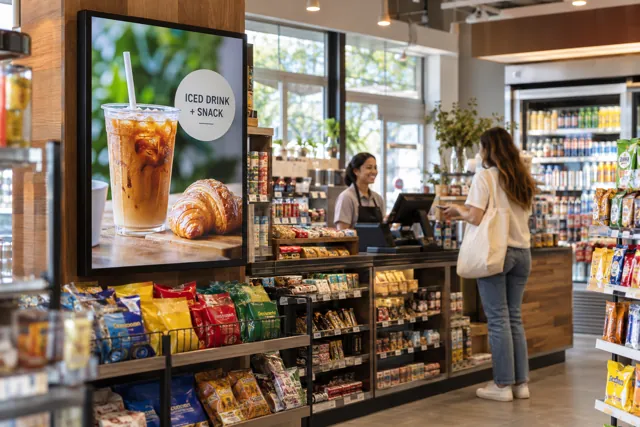
A menu at the counter. A welcome in the lobby. An offer people actually notice. Create the screen your business needs, all from one online Design Studio.
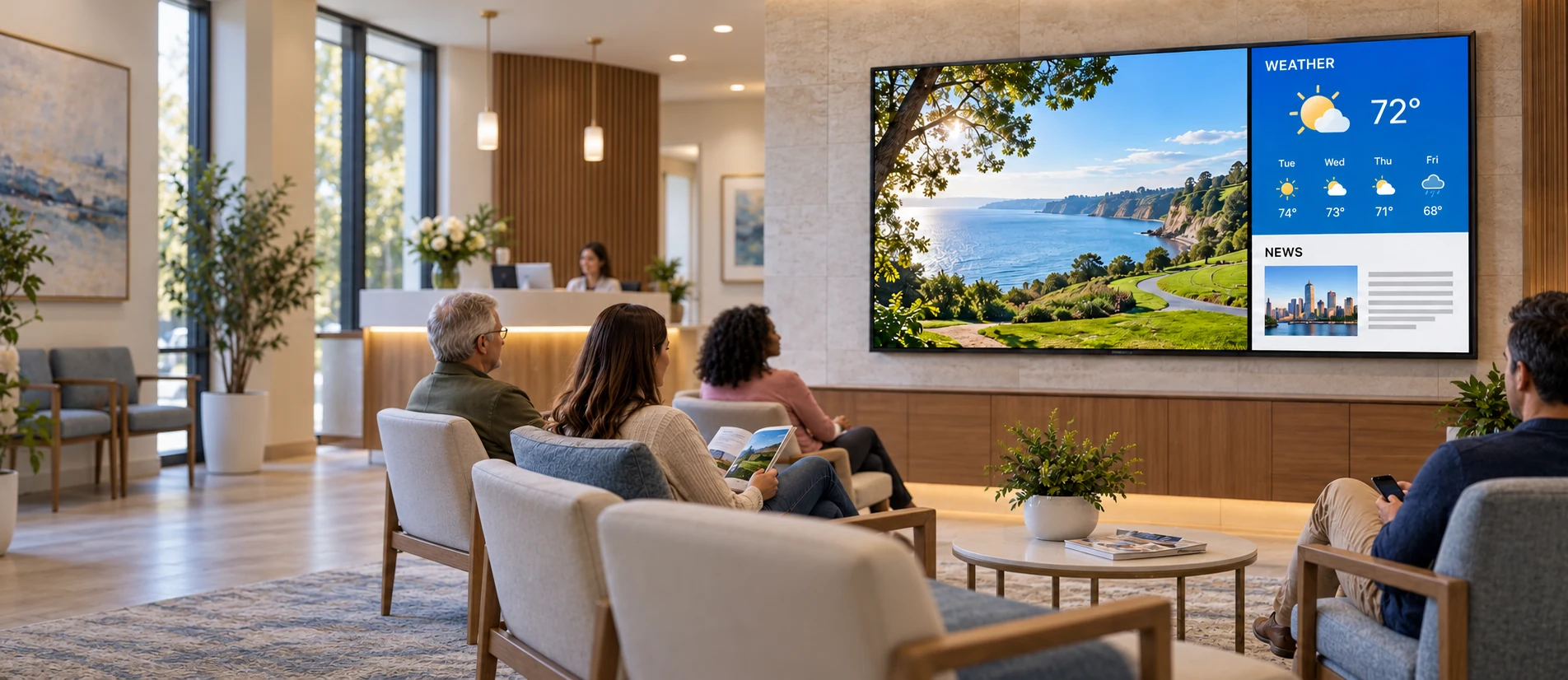
Use a ready-to-use template, build your own layout or turn selected photos into separate slides. It all happens in the same Design Studio.
Add your photos, text, shapes and branding. Arrange the content where you want it, and use backgrounds, colors and borders to bring it together.
Create multiple slides from selected pictures, then arrange their order. Mix them with slides you design yourself to keep your screen interesting.
Save your design and publish it to your activated screen. Update it when you need to; slides with video or animation are processed before the screen receives them.
Mix photos and uploaded videos with text and graphics. Add movement, zoom, rotation or other object effects to draw attention to an offer.
Move a product into view, pause so people can read the message, then bring it back or send it somewhere else. Several objects can move together, or follow one another.
Animated slides are saved as video. Live widgets remain separate.Widgets let you add content without giving up the layout you created. Choose what belongs on your screen and make room for it.
Widget availability depends on your plan. Online content needs an internet connection and depends on what each provider allows. Compare features →
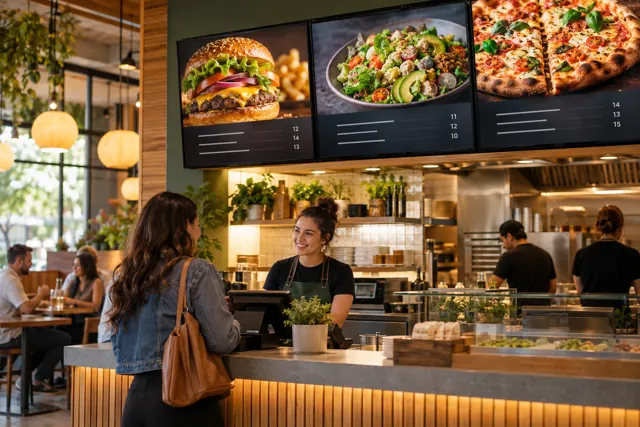
Place screens side by side and give each one a job. Your main menu on the left, daily specials in the middle, and videos or a customer queue on the right.
A shared look. Independent content.Each screen has its own design and slide sequence. Match your colors and branding across the wall, while changing only the screen that needs an update.
Plan the layout around your space.Use landscape or portrait layouts to suit the installation. A single video stretched across several panels needs a compatible video-wall setup; side-by-side screens do not automatically become one synchronized video surface.
Start with your content. Make it your own. We’re here if you need a hand.